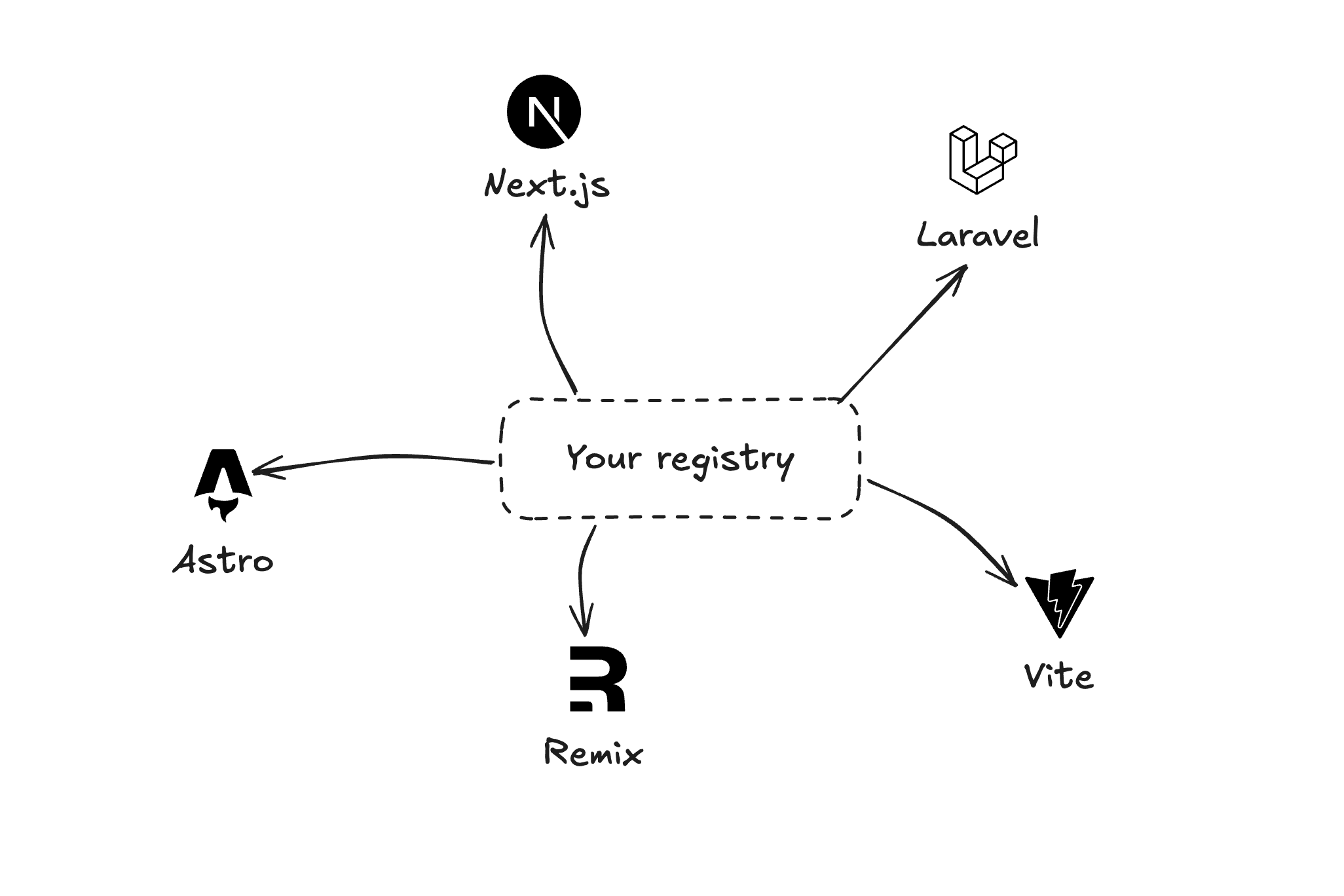
The shadcn registry format is great for distributing components — one command and everything lands in the right place with the right dependencies. But maintaining the registry by hand gets tedious fast. Every time you edit a component, you have to remember to update the content field in your registry JSON to match. Miss it once and anyone installing your component gets stale code.
The fix is to stop writing content by hand entirely. Keep your registry definitions as TypeScript (just names, types, and dependencies), and let a build script read the actual files from disk and assemble the output.
The Problem with Manual Registry Files
The shadcn registry spec requires each item to include a files array where each file object has a content field with the raw source as a string. A typical entry looks like:
{"name": "color-picker","type": "registry:component","files": [{"path": "registry/default/ui/color-picker.tsx","type": "registry:component","content": "\"use client\";\n\nimport * as React from 'react';\n// ... 200 more lines"}],"dependencies": ["react-colorful"]}
That content value is the entire file, escaped, on one line. Writing that by hand is not realistic. Most people generate it once and commit it — which means it drifts the moment they touch the source file.
Separating Definitions from Output
The approach that works well is to keep your registry definition as a TypeScript file that only describes the shape of each item — no content:
// src/registry/registry-ui.tsimport type { Registry } from 'shadcn/schema';export const ui: Registry['items'] = [{name: 'color-picker',type: 'registry:component',title: 'Color Picker',description: 'A color picker component',files: [{path: 'default/ui/color-picker.tsx',type: 'registry:component',},],dependencies: ['react-colorful'],registryDependencies: ['input'],},// ...];
No content anywhere. That gets injected at build time. You can split across multiple files (registry-ui.ts, registry-hooks.ts, registry-examples.ts) and combine them in an index:
// src/registry/index.tsimport { type Registry } from 'shadcn/schema';import { ui } from './registry-ui';import { hooks } from './registry-hooks';import { examples } from './registry-examples';export const registry = {name: 'your-registry',homepage: 'https://yoursite.com',items: [...ui, ...hooks, ...examples],} satisfies Registry;
The Build Script
The build script validates the registry definition, reads each file from disk, and outputs two things: the registry.json that shadcn CLI consumes, and an index.tsx with lazy-loaded components for live previews (more on that below).
// src/scripts/build-registry.mtsimport { promises as fs } from 'node:fs';import path from 'node:path';import { rimraf } from 'rimraf';import { type Registry, registrySchema } from 'shadcn/schema';import { registry } from '../registry';const REGISTRY_PATH = path.join(process.cwd(), 'src/__registry__');const parseContent = (content: string) =>content.replace('registry/default/', '').replace(/\\/g, '\\\\').replace(/`/g, '\\`').replace(/"/g, '\\"').replace(/\${/g, '\\${').replace(/\n/g, '\\n').trim();export const buildRegistry = async (registry: Registry) => {// Build index.tsxlet index = `// This file is autogenerated by scripts/build-registry.ts// Do not edit this file directly.import React from "react";export const Index: Record<string, any> = {`;for (const item of registry.items) {if (!Array.isArray(item.files) || !item.files?.length) continue;const componentPath = `@/registry/${item.files[0].path}`;const sourcePath = path.join(process.cwd(),'src/registry',item.files[0].path,);index += `"${item.name}": {name: "${item.name}",type: "${item.type}",files: [${await Promise.all(item.files.map(async (file) => {const filePath = `src/registry/${file.path}`;return `{path: "${filePath}",content: "${parseContent(await fs.readFile(path.join(process.cwd(), filePath), 'utf-8'))}",type: "${file.type}",}`;}),)}],${item.type === 'registry:example'? `component: React.lazy(() => import("${componentPath}")),source: "${parseContent(await fs.readFile(sourcePath, 'utf-8'))}",`: ''}},`;}index += `\n}`;// Build registry.autogenerated.jsonconst registryJSON = JSON.stringify({$schema: 'https://ui.shadcn.com/schema/registry.json',name: registry.name,homepage: registry.homepage,items: registry.items.filter((item) => item.type !== 'registry:example').map((item) => ({...item,files:item.files?.map((file) => ({...file,path: file.path.startsWith('src/')? file.path: `src/registry/${file.path}`,})) ?? [],})),},null,2,);rimraf.sync(path.join(REGISTRY_PATH, 'registry.autogenerated.json'));await fs.writeFile(path.join(REGISTRY_PATH, 'registry.autogenerated.json'),registryJSON,'utf8',);rimraf.sync(path.join(REGISTRY_PATH, 'index.tsx'));await fs.writeFile(path.join(REGISTRY_PATH, 'index.tsx'), index);};const result = registrySchema.safeParse(registry);if (!result.success) {console.error(result.error);process.exit(1);}await buildRegistry(result.data);
The parseContent function handles the escaping needed to embed raw source code inside a JSON string or a template literal — backslashes, backticks, quotes, and template literal interpolation markers all need to be escaped.
The index.tsx for Live Previews
The generated index.tsx is what powers component previews on your docs site. Each registry:example entry gets a component field that's a React.lazy import — so preview components are code-split and only loaded when they're actually rendered:
// src/__registry__/index.tsx (generated)export const Index: Record<string, any> = {"color-picker-demo": {name: "color-picker-demo",type: "registry:example",component: React.lazy(() => import("@/registry/default/examples/color-picker-demo")),source: "\"use client\";\\n\\nimport { ColorPicker } ...",files: [{ path: "src/registry/default/examples/color-picker-demo.tsx", ... }],},// ...};
In your docs page, you look up the component by name and render it:
import { Index } from '@/__registry__';const { component: Component } = Index[name];return (<Suspense fallback={<div>Loading...</div>}><Component /></Suspense>);
Non-example items (components, hooks) only get the files and content fields — no lazy component — since they're not meant to be rendered directly in docs.
Wiring It Up
Add the script to your package.json:
{"scripts": {"build:registry": "tsx src/scripts/build-registry.mts && shadcn build"}}
The shadcn build step at the end takes your registry.autogenerated.json and runs it through shadcn's own validation and output pipeline, producing the final registry artifact your users point the CLI at.
Run it once after any registry change:
pnpm build:registry
From that point on, content is always in sync with the source — it's generated fresh on every build, so there's nothing to forget to update.
One Thing to Watch
The registrySchema import comes from shadcn/schema, not shadcn/registry. The package layout changed at some point and the wrong import path will just silently give you an empty schema. If your validation is passing on everything or failing on nothing, check that import first.